ROSTAR

LIGHT STICK GUIDE

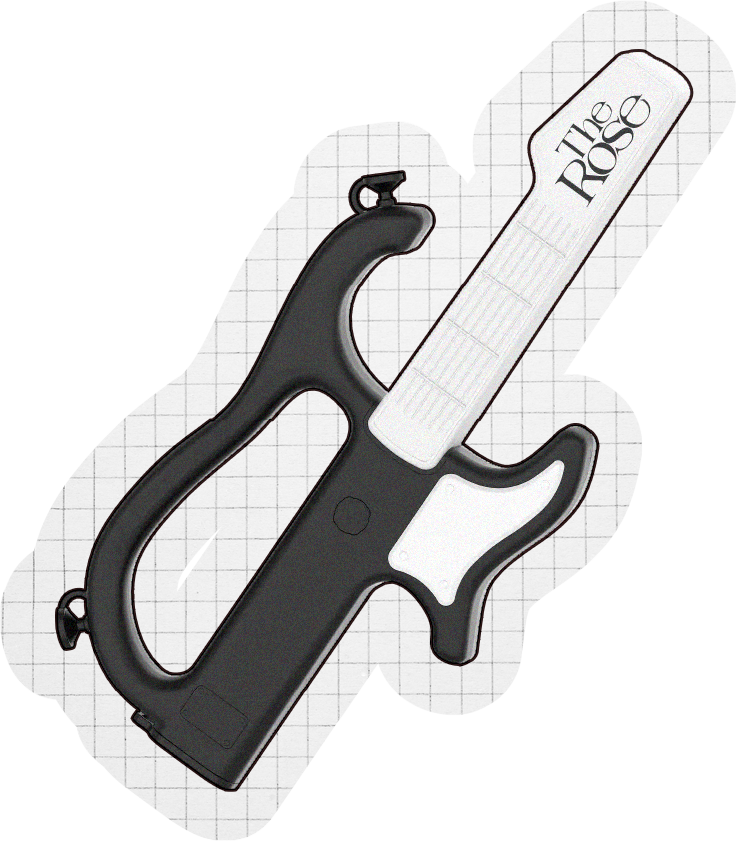
A hand-held device with a gauge labeled "The Rose" being used to measure or cut something, featuring a black handle and a white gauge with black markings.

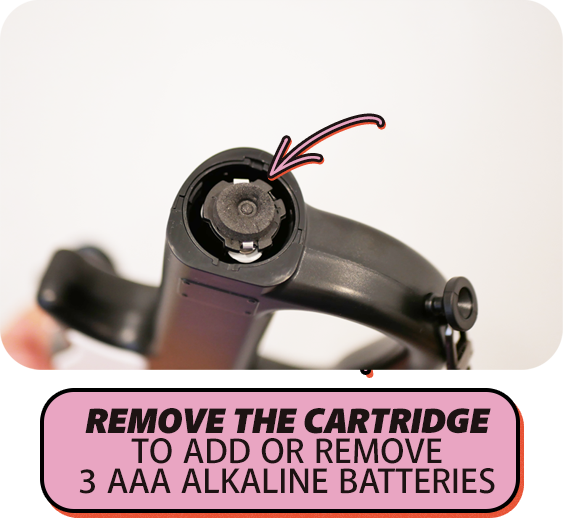
This page helps anyone needing a visual guide to access the battery cartridge of their Rostar light stick. Each Rostar requires 3 AAA alkaline batteries and connects via Bluetooth for live shows. The light stick has eight light sequences and is very bright, with strobing/flashing sequences that may affect those with light sensitivities. Please use caution while operating.

You can buy the Rostar from Rose’s official merch shop here.
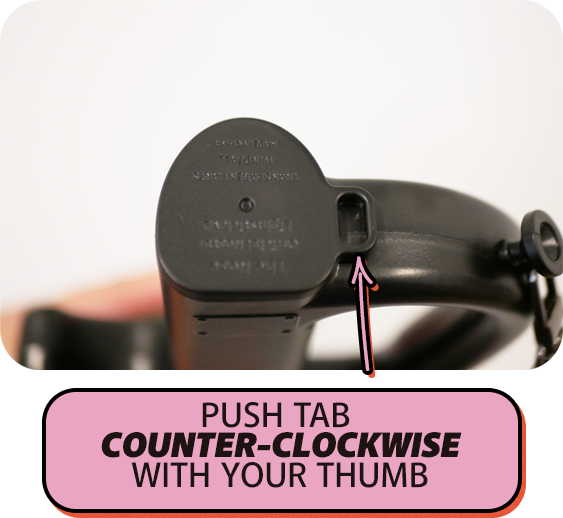
Close-up of a device with a push tab labeled for counter-clockwise rotation, with an instructional overlay directing to push the tab with your thumb.

ACCESSING BATTERY CARTRIDGE

Close-up of a mobility scooter handlebar with a black cap lifted, and a pink and black sticker instructing to twist off to remove the battery cartridge.

LIGHT MODES

A black device with a circular cartridge slot at the top, showing the compartment for 3 AAA alkaline batteries, with an instruction to remove the cartridge to add or remove the batteries.

The Rose Mode → The Rose Blink → Black Rose Mode → White On → Red On → Blue On → Pink On → Green On → Off

GET THE APP

In order to sync your Rostar to live shows make sure you have the appropriate app downloaded on your device before the show.

The Rostar app is compatible with most iPhone and Android devices.
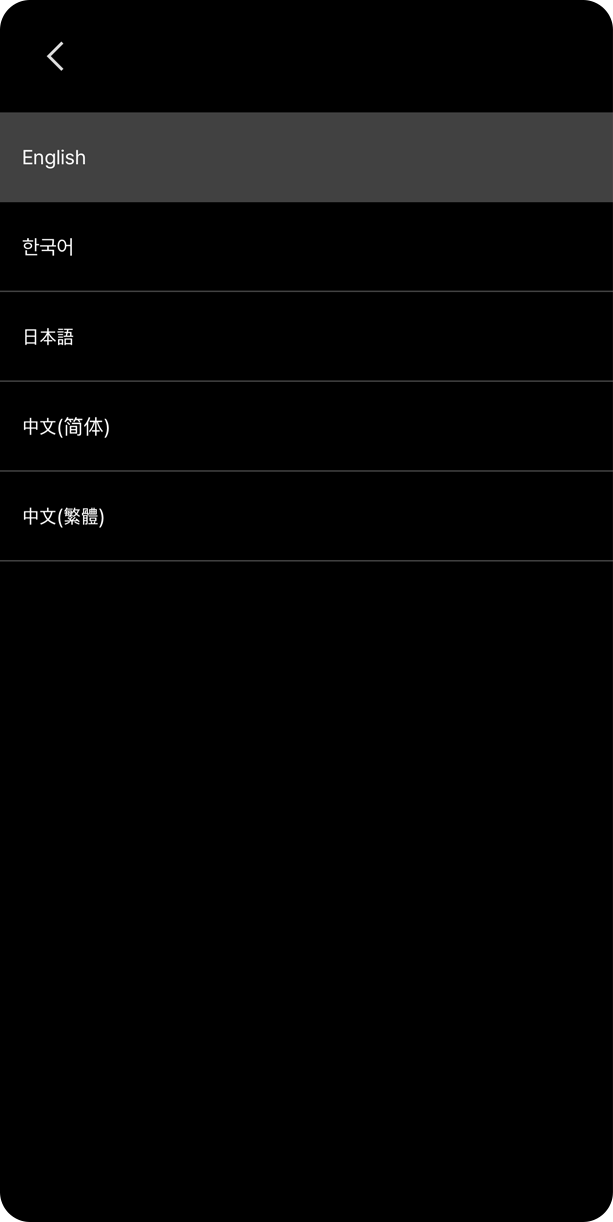
Language selection menu displaying options for English, Korean, Japanese, simplified Chinese, and traditional Chinese.
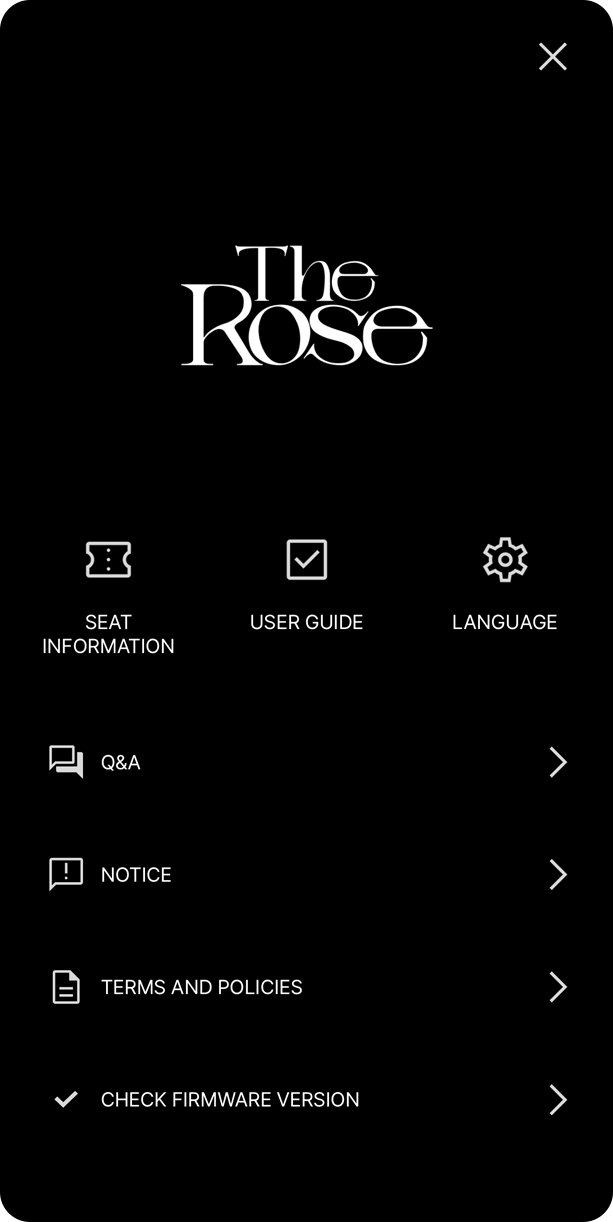
Screenshot of an app menu with the title 'The Rose' in white text on a black background. Menu options include Seat Information, User Guide, Language, Q&A, Notice, Terms and Policies, and Check Firmware Version.
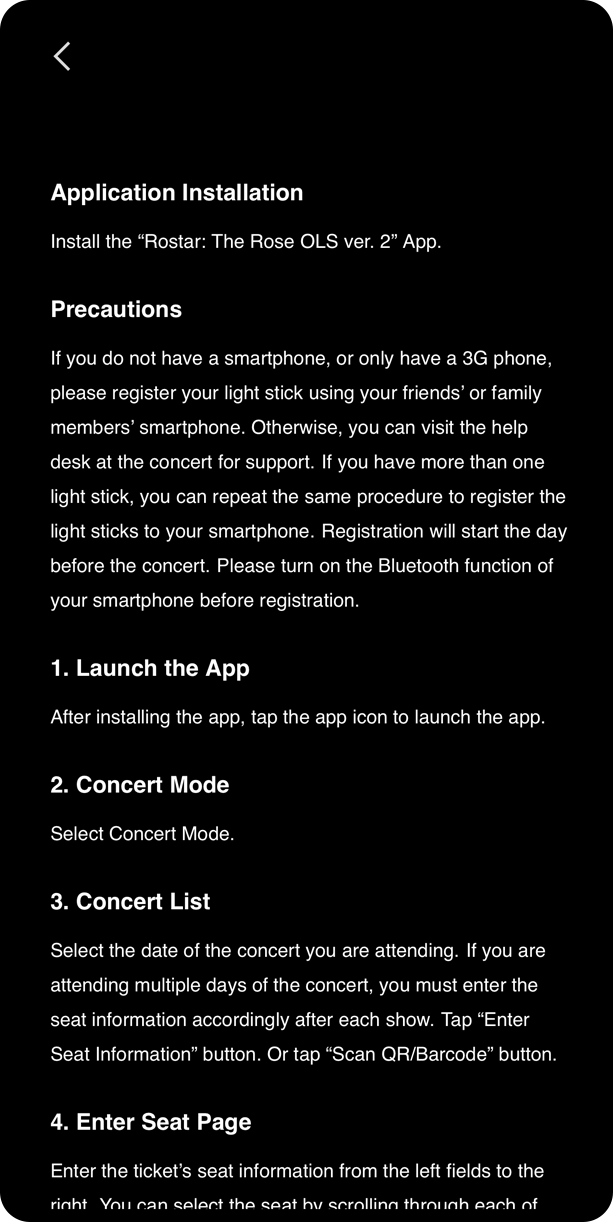
Screen displaying instructions for installing an app, registering light sticks, and selecting concert dates, modes, and seats.
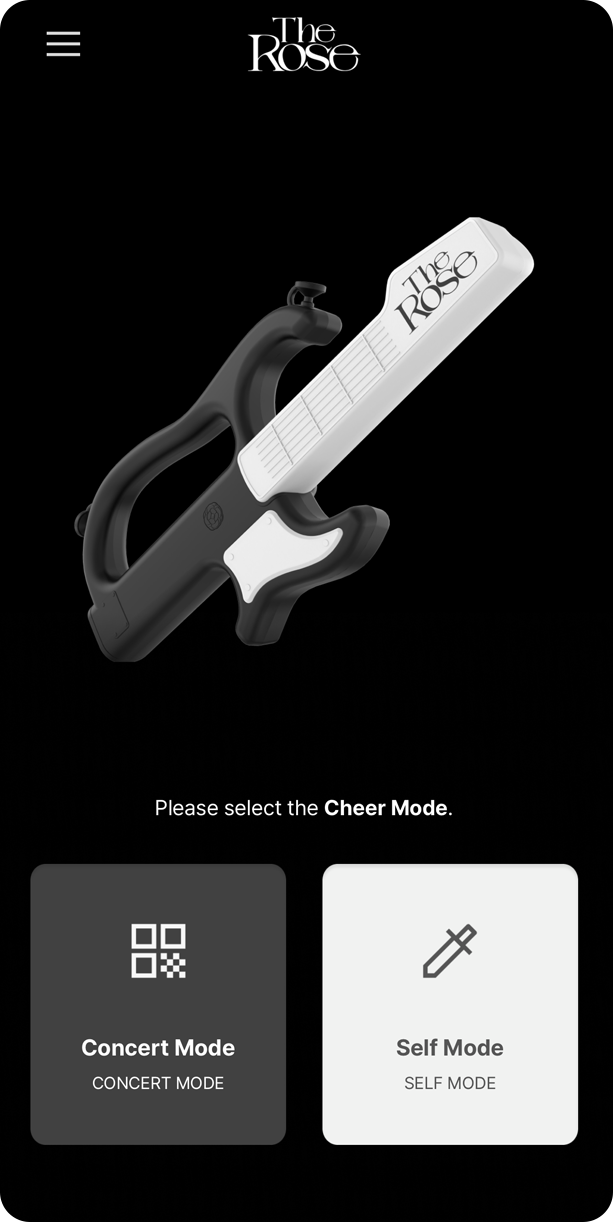
A mobile app screen with a black background, featuring a stylized toy gun with 'The Rose' written on a white band across it. The app prompts the user to select a 'Cheer Mode' with two options: 'Concert Mode' and 'Self Mode,' represented by a QR code icon and a syringe icon, respectively.
DOWNLOAD FOR ANDROID
DOWNLOAD FOR APPLE

USER OPERATING PRECAUTIONS

Store at room temperature, away from heat and humidity.

Remove batteries from lightstick when not in use.

Keep the LED light away from your eyes.

Handle with care to avoid dropping or damaging it, as this may affect the LED color.

Flashing/strobing lights may pose a risk to individuals with light sensitivities.

Keep light sticks away from small children and pets due to small parts that can be a choking hazard.